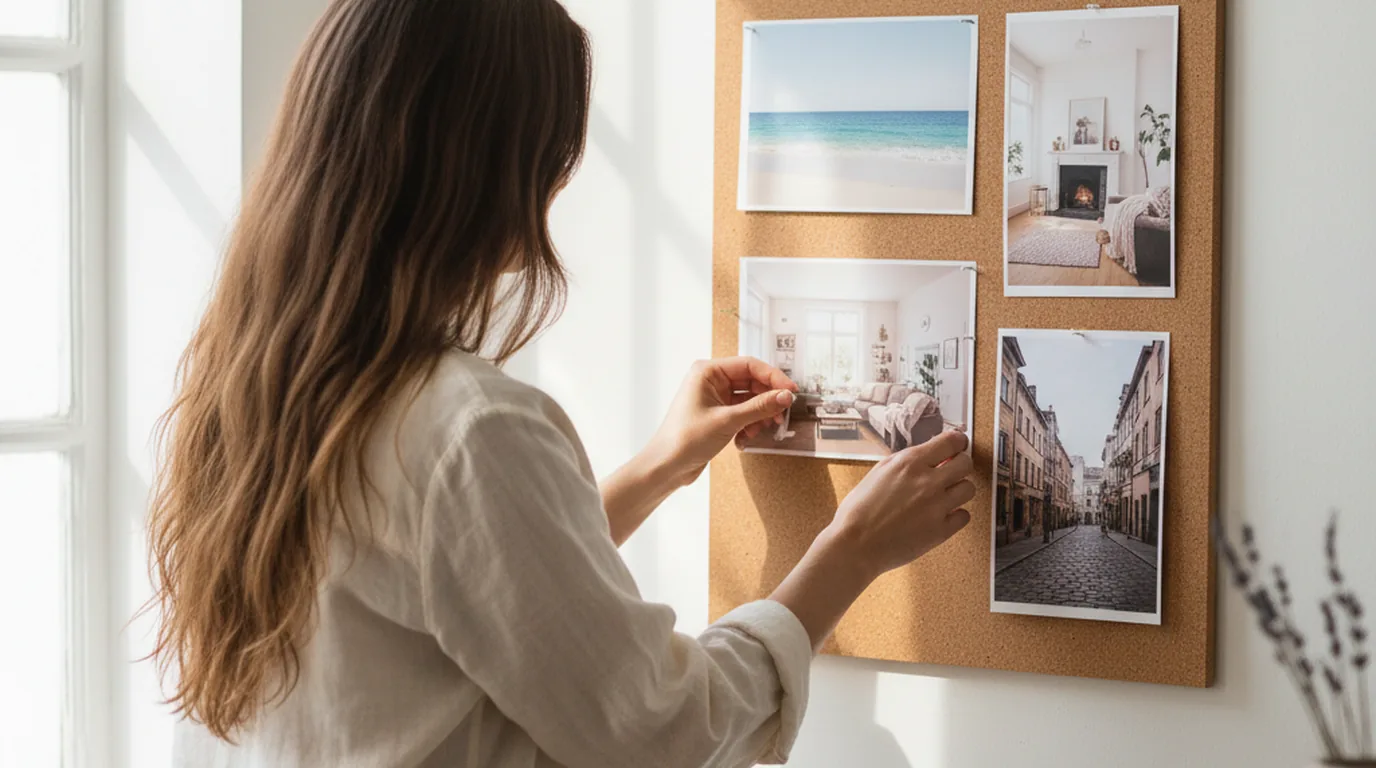
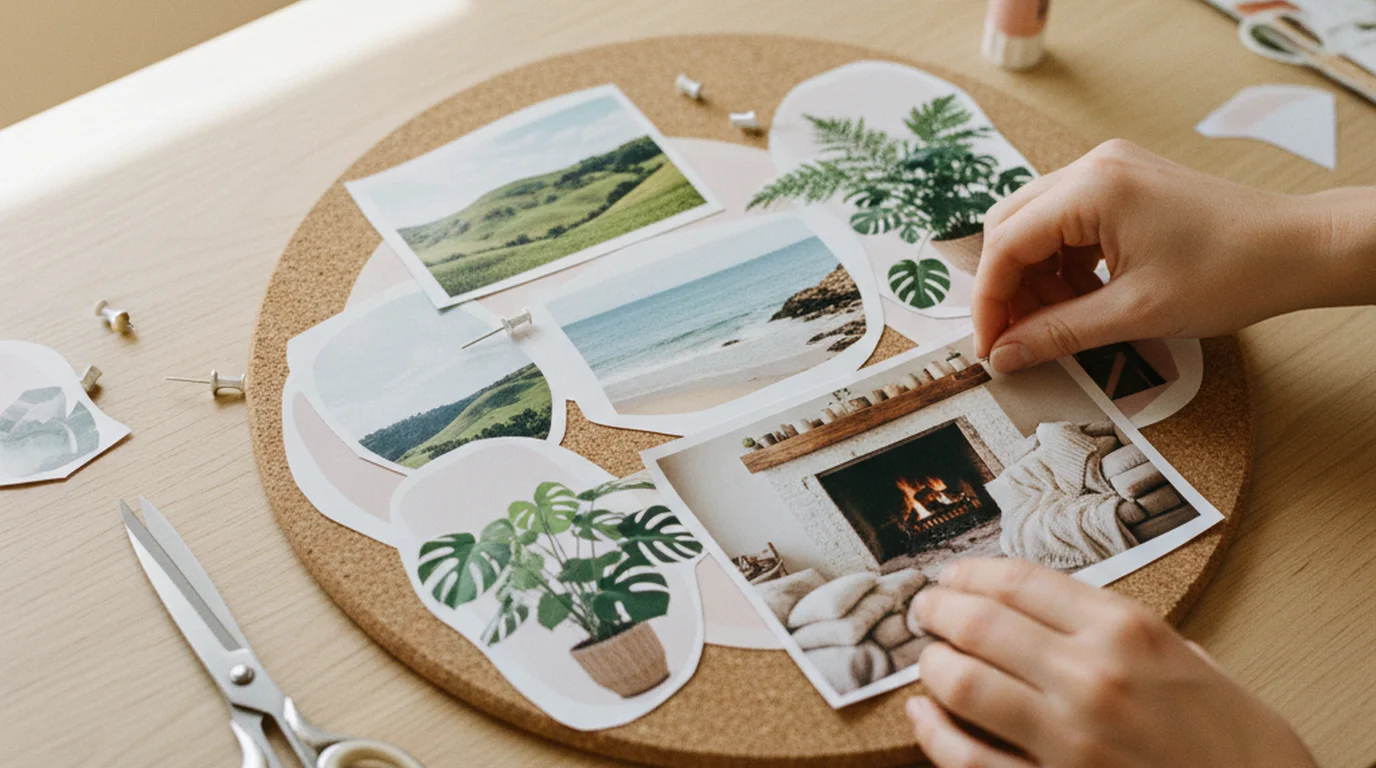

Making a vision board takes an afternoon, some images and a clear idea of what you want the next year to hold. The making is the easy part. What decides whether it helps is what you put on it and whether you keep looking at it afterwards.
Quick answer: To make a vision board, choose three to six life areas, collect one or two specific images per area, add a few short words, include at least one image of the work itself, arrange everything on a cork board, poster or digital canvas, and put the finished board somewhere you'll see it every day. Review it every few months.
How to make a vision board in 7 steps
1. Decide what the board is for
Start with a sheet of paper, not scissors. Write down what you want the next 12 months to contain, then group it into three to six areas — career, money, home, relationships, health, travel, growth. Most boards draw from five broad areas, but there's no rule that yours must cover them all. A board with four areas you care about is stronger than one with eight you feel you should.
For each area, write one sentence describing the goal as specifically as you can: "Working from a bright home office by summer" beats "career success".
2. Gather your supplies
For a physical board: a cork board, foam board or large poster card; scissors; glue sticks or pins; a stack of magazines, printed photos or postcards; a marker for words.
For a digital board: a phone or computer and a folder of saved images. Our free vision board maker builds the board at the exact size of your phone, iPad or desktop and includes free images; Canva is the other common starting point, and Pinterest boards work for gathering.
Set aside two or three hours. Rushing the image search is the most common reason a board ends up generic.
3. Find images that show a specific scene
This is where most boards go wrong. A stock photo of a beach says "nice". A photo of the actual coastline you want to visit, or a desk set up the way yours will be, says "this one". For each sentence from step 1, look for an image that shows that exact scene.
Personal photos often work best: a picture of you at your fittest, a place you've been and want to return to, a screenshot of a savings balance you're aiming for. If you're short on ideas for a particular area, our list of 75 vision board ideas sorted by life area has suggestions for each one.
4. Add the steps, not just the dream
Include at least one image or word for each goal that shows the work — a running shoe for the half-marathon, a laptop and calendar for the side business, a jar of coins for the savings goal.
This isn't just decoration. In a study by Lien Pham and Shelley Taylor, students who spent five minutes a day picturing how they would study for a midterm studied about three hours more than a comparison group, and the process-only group scored 80.6% against 72.6% for students who only pictured getting a good grade (Personality and Social Psychology Bulletin, 1999). Picturing the outcome alone didn't help.
5. Choose a few words
Words work best as short labels or present-tense lines: "Home studio by June", "Strong and rested", "Debt-free". Keep them to five words or fewer so they can be read at a glance. A single affirmation in the centre of the board is a common anchor — if you want help choosing one, our guide to affirmations for manifestation has examples for each life area.
6. Arrange it with breathing room
Lay everything out before you glue anything. Put the goal that matters most in the centre, group images by area, and leave some empty space so each image reads on its own. A crowded board is hard to take in, and the eye skims past it within a week.
On a digital board the same rule applies: fewer, larger images. Six images that each fill a clear section of the screen will be noticed; thirty thumbnails won't.
7. Put it where you'll see it daily
A vision board only does anything while you're looking at it. Good spots: beside your desk, inside a wardrobe door, next to the bathroom mirror, on your phone's lock screen. If the board is private, the inside of a cupboard door or your phone keeps it to yourself.
Then build a short daily habit around it — 30 seconds in the morning, looking at each area and asking what one thing you'll do towards it today.
Physical or digital vision board?
| Physical board | Digital board | |
|---|---|---|
| Making it | Hands-on, satisfying, takes an afternoon | Faster, easier to rearrange |
| Seeing it | Only in the room it hangs in | On your phone, wherever you are |
| Updating | Unpin and re-glue | Swap an image in seconds |
| Privacy | Visible to anyone in the room | Private by default |
| Best for | A workspace or bedroom you spend time in | Busy schedules, small spaces, travel |
Many people do both: make a physical board, photograph it, and keep the photo on their phone. That gives you the satisfaction of making it by hand and the daily visibility of having it in your pocket.
In Manifestly's vision board, you upload a finished board image — one you've made on paper and photographed, or designed in another app — and the app shows it as part of your daily practice, alongside your affirmation and gratitude journal. Make the collage wherever you like; the app's job is the daily look. The free plan holds up to five boards, and an iPhone Home Screen widget can show your board image, so it's there every time you return to your Home Screen.
Common vision board mistakes
Too many goals. Twelve goals on one board means none of them gets attention. Three to six areas is plenty.
Pretty but vague images. If you can't say what specific scene an image represents, swap it for one you can.
Only the finish line. Boards that show only outcomes can quietly backfire. In experiments by Heather Kappes and Gabriele Oettingen, people asked to fantasise positively about an idealised future showed less energy afterwards than people who imagined questioning, negative or neutral versions of the same future, and the drop was larger when the need was more pressing (Journal of Experimental Social Psychology, 2011). Adding the steps, as in step 4, is the counterweight.
Out of sight. A board in a drawer or behind a door you never open is a craft project, not a practice.
Never updated. Goals change. A board you haven't touched in a year starts to feel like a record of someone else's wishes.
What to do after you make it
The board is the start of the practice, not the end. Three habits make it useful:
- Look daily. Thirty seconds is enough. Name each area and the next step.
- Pair it with a line. One affirmation tied to the centre image keeps the board in your head when you're away from it. Some people repeat that line with a counter through the day — the approach behind robotic affirmations.
- Review every three to six months. Take down what you've reached or no longer want, add what's new, and keep the old board. Looking back at last year's board is often the most motivating part.
If you want to go further with the "living as if" side of the practice, our guide on how to manifest something walks through pairing a clear intention with a plan.
Make it this weekend
To make a vision board: decide on three to six areas, find one or two specific images for each, add the steps as well as the goal, keep the words short, leave space, and put the board where you'll see it every day.
An afternoon is enough to make one. What makes it worth having is the half-minute you spend with it each morning and the habit of updating it as your goals change.
Frequently asked questions
What supplies do I need to make vision boards?
For a physical board you need a base (cork board, poster board or a large sheet of card), images from magazines or printed photos, scissors, glue or pins, and a marker for a few words. For a digital board you only need a phone or computer, a collage app or design tool, and a folder of saved images. Either way, set aside two or three hours.
What are some common mistakes when making a vision board?
The common ones are cramming in too many goals, choosing images that look nice but mean nothing specific, showing only the finished result and never the work, putting the board somewhere you stop seeing it, and never updating it. A board with six clear images you look at daily does more than a crowded one in a cupboard.
What are the 5 categories for a vision board?
There's no official set, but most boards draw from five broad areas — career, money, relationships, health and personal growth — with home and travel as common additions. Pick the three to six areas you actually care about this year rather than filling every category for the sake of balance.
Is it better to make a physical or digital vision board?
Neither is better in general. A physical board is satisfying to make and works well in a room you pass every day. A digital board is easier to update, can sit on your phone's lock screen or Home Screen, and goes wherever you go. Many people make a physical board, photograph it, and keep the photo on their phone too.
Where should I put my vision board?
Somewhere you'll see it every day without trying — next to your desk, inside a wardrobe door, beside the bathroom mirror, or as your phone wallpaper. Avoid places you'll quickly stop noticing, like a hallway you rush through. If it's private, a phone or the inside of a cupboard door keeps it to yourself.
How often should you update a vision board?
Look at it daily and review it every three to six months. Replace images for goals you've reached or stopped wanting, and move anything that now feels more urgent to the centre. Many people make a fresh board each January and keep the old one, which becomes a useful record of what they once wanted.
Do vision boards actually work?
A vision board doesn't make things happen on its own. What it can do is keep your goals in view, which shapes what you notice and choose. Research suggests the board works better when it shows the steps as well as the outcome — picturing only the dream can reduce the energy you put into reaching it.