Counted, not scrolled
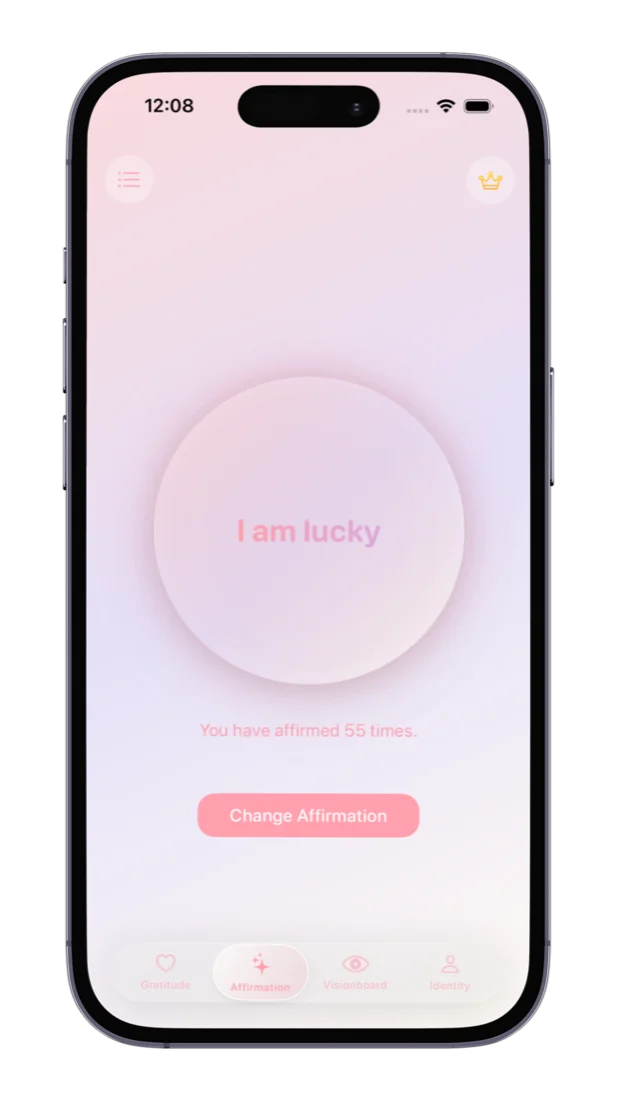
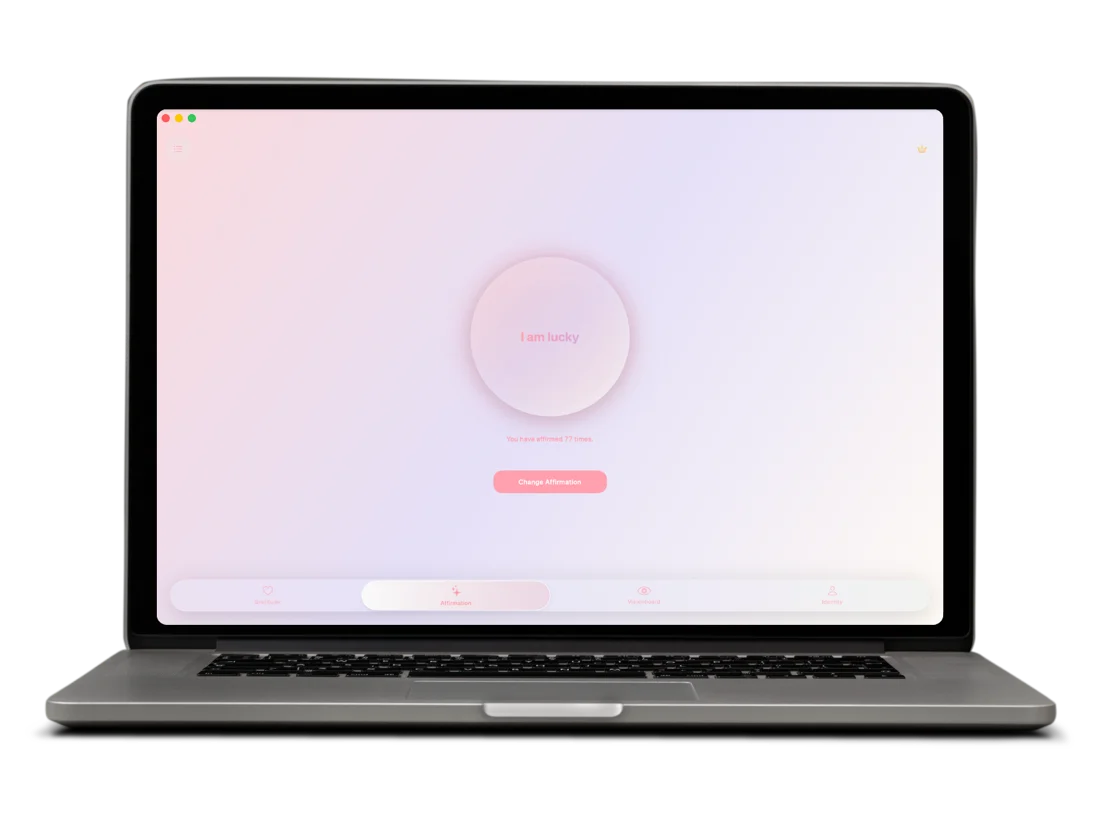
One line on screen and a number that goes up with every tap. Built for repeating an affirmation, not swiping past a new quote.
One line on screen and a number that goes up with every tap. Built for repeating an affirmation, not swiping past a new quote.
The affirmation widget is a working counter. Tap it to affirm without opening anything, and the total stays in sync with the app.
Write your own, or start from 1,000+ affirmations across eight life areas. Change Affirmation swaps the line when it stops landing.
Robotic affirming is simple: pick one short, present-tense line and repeat it often enough that it becomes the thought you return to by default. The hard part is keeping count and keeping going, so that's what the app is for.
Tap the circle each time you say the line, out loud or in your head. The count builds across the day, and a streak shows how many days in a row you've kept at it. Read more about how robotic affirmations work.
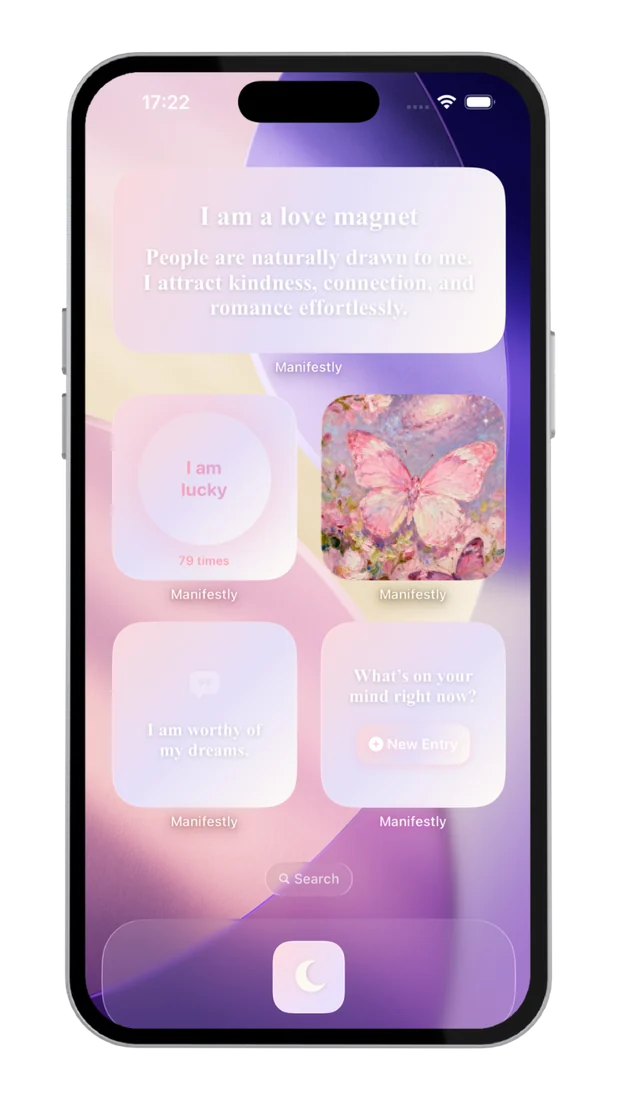
Put the affirmation widget on your iPhone Home Screen and your line is there every time you pick up your phone. Tap the widget to record a repetition. No app to open, no screen to find.
Taps on the widget show up in the app and taps in the app show up on the widget, so a handful of repetitions in a queue count toward the same total as a focused morning session.
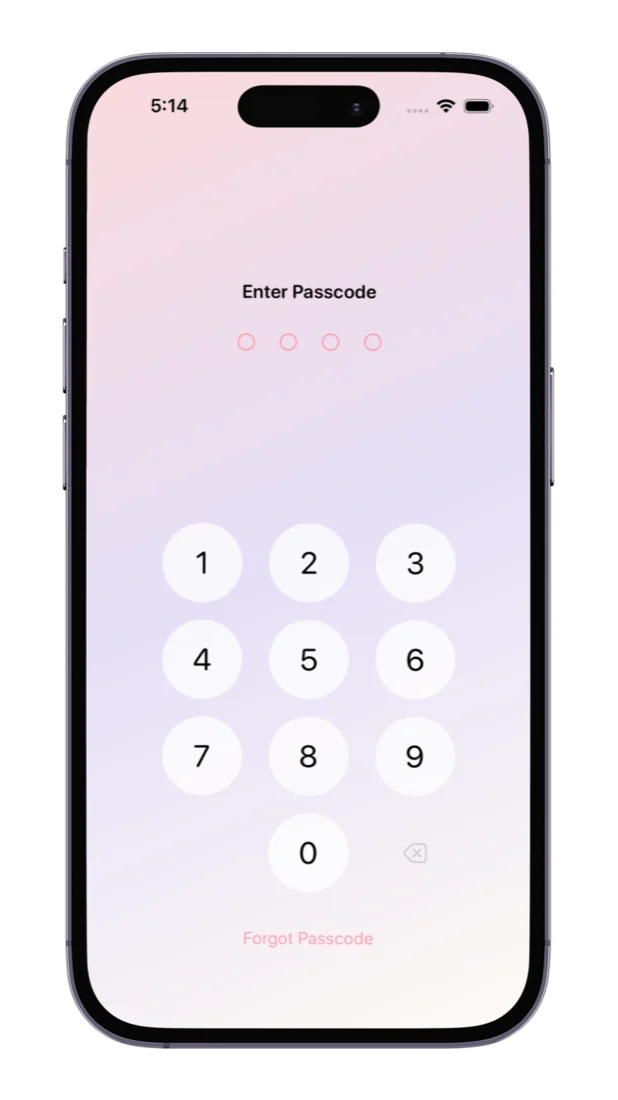
The lines you're working on are often the ones you'd rather nobody read over your shoulder. Your affirmations live on your device, and we run no servers that hold them.
With Premium, lock the app behind Face ID, Touch ID or a four-digit passcode, and turn on iCloud sync to carry your affirmations and counts to iPad and Mac.
Short, present tense, believable enough to say without wincing: “I am lucky”, “Money comes to me easily”, “I am enough”. Keep it for at least a week.
100 a day is a good start. Some people use the 369 method; others work up to 1,000. A number you'll still hit in week three beats a heroic one you drop.
Say the line and tap once per repetition, in the app or on the widget. Don't wait to feel it. Familiarity comes from the repetition itself.
Need a line to start with? Browse morning affirmations, money affirmations or self-love affirmations.
Most affirmation apps are built for reading: a new quote each day, a feed to scroll, reminders that pop up. That suits inspiration. Repetition-based practices need something different.
| If you want to… | Look for | Manifestly |
|---|---|---|
| Repeat one line until it sticks | A counter per affirmation | Tap-to-affirm counter |
| Affirm without opening an app | An interactive widget | Home Screen widget that counts |
| Stay with it daily | Something that shows consistency | Streak counter |
| Use your own words | Custom affirmations | Write your own or adapt 1,000+ |
| Connect it to bigger goals | More than affirmations | Gratitude journal, vision board, identity cards |
Comparing options side by side? See our roundup of the best affirmation apps.
One free download for iPhone and iPad, and a Mac app beside it. Say the line wherever you are, and keep the count in one place.
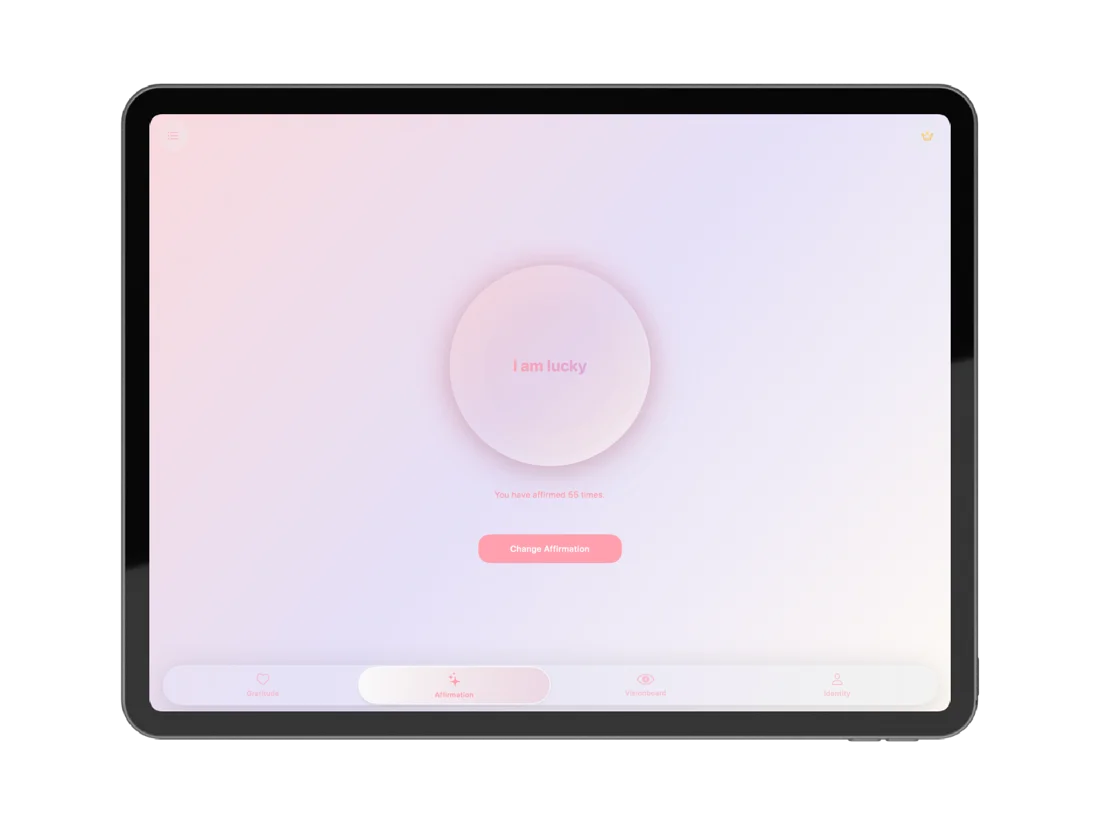
Yes. Manifestly is a free download on the App Store with no ads on any plan. The free plan includes the tap-to-affirm counter, the full library of 1,000+ affirmations and up to 5 saved affirmations of your own. Premium removes the save limits and adds iCloud sync and app lock.
Robotic affirming, also called mechanical affirming, means repeating one short affirmation many times, quickly and consistently, without trying to force a feeling. The point is familiarity through repetition, so the count matters more than the mood. Manifestly is built around that: one line on screen and a tap for every repetition.
Yes. Each affirmation has its own tap-to-affirm counter, so you can work toward 100, 369 or 1,000 repetitions and see exactly where you are. The iPhone Home Screen widget counts too: tap it and the repetition is recorded without opening the app, and the total stays in sync both ways.
Yes. Write a line in your own words, or start from the library of 1,000+ affirmations across eight life areas and adapt it. When a line stops landing, Change Affirmation swaps it for another.
Yes. Add the Manifestly affirmation widget to your iPhone Home Screen and it shows your current line and its count. Tapping the widget records a repetition, so a few taps while you wait for the kettle add to the same total you see in the app.
Yes. Manifestly is one universal download for iPhone and iPad (iOS 17 or later) and is also on the Mac (macOS 14 or later). With Premium iCloud sync, your affirmations and their counts follow you between devices.
Manifestly is made for affirmations you say or think yourself, then count. Speaking the line in your own voice and tapping once per repetition keeps your attention on the words, which is what robotic and mechanical affirming rely on.

Free on the App Store. Pick an affirmation, set a count, and tap your way through the first hundred.