Manifest anywhere
On the train, in a waiting room, in the five minutes before a meeting. The moments you already have are enough to keep a practice alive.
On the train, in a waiting room, in the five minutes before a meeting. The moments you already have are enough to keep a practice alive.
Four practices, four tabs, no setup. Open the app and you are already where you meant to be.
Your phone is the most personal thing you own, and what you write here stays on it — behind Face ID, Touch ID or a passcode.
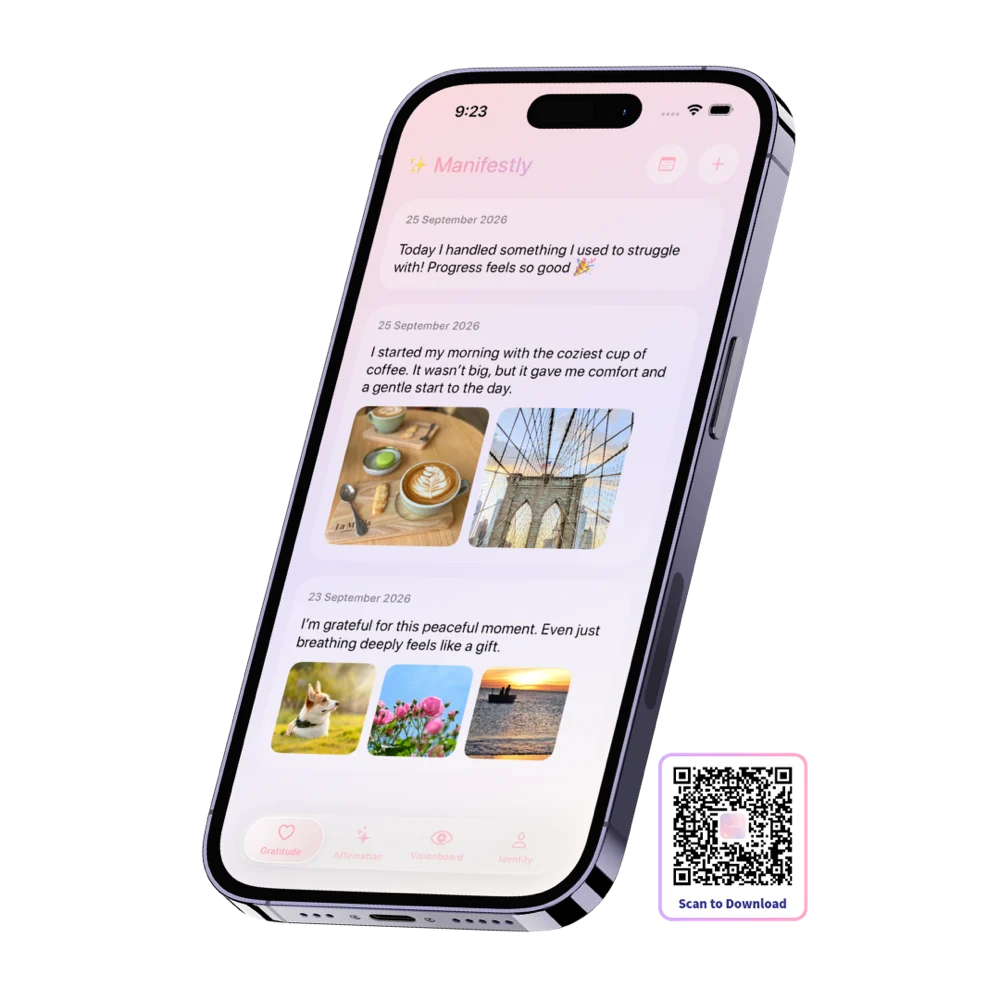
Gratitude, affirmations, vision board and identity — one tab each, and this is what every one of them looks like on iPhone.
Tap +, write the line, done. Entries are dated and stacked newest-first, so a month of small good things is one scroll away whenever you need reminding that it went better than you remember.
Too tired to type? Say it out loud and speech-to-text writes it down for you. Or add a photo from your library — sometimes the picture of the meal, the view or the dog is the entry.
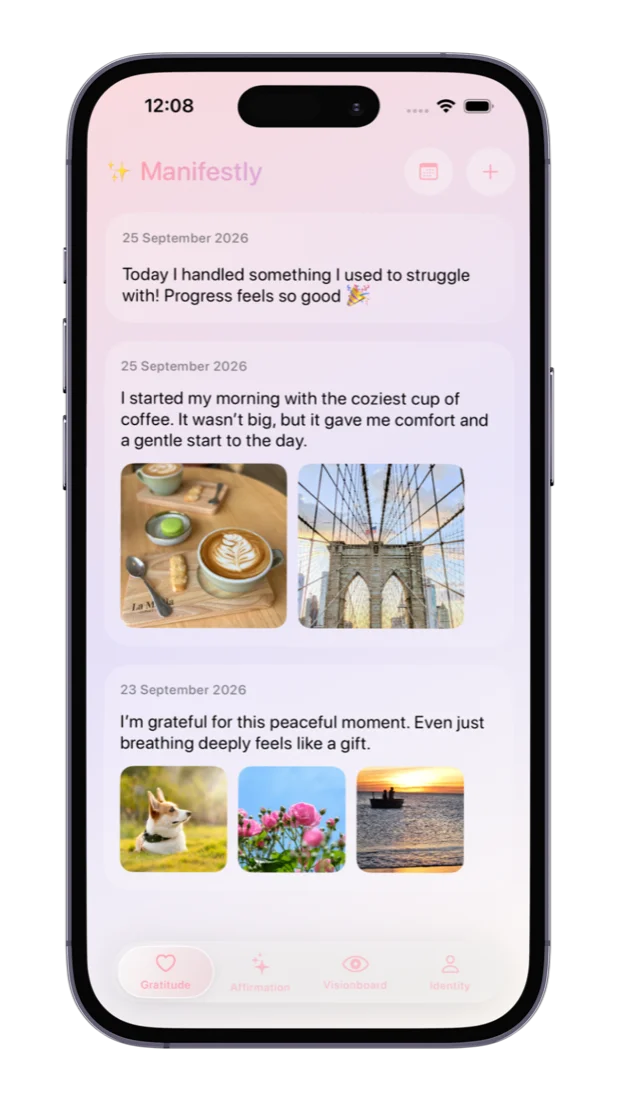
One sentence in a circle, and a count of how many times you have meant it. Tap the circle and the number goes up. That is the entire interaction, which is exactly why it survives a busy week.
Affirm a vision, a dream, or the plain thing today needs. When a line stops landing, Change Affirmation gives you another from 1,000+ across eight life areas.
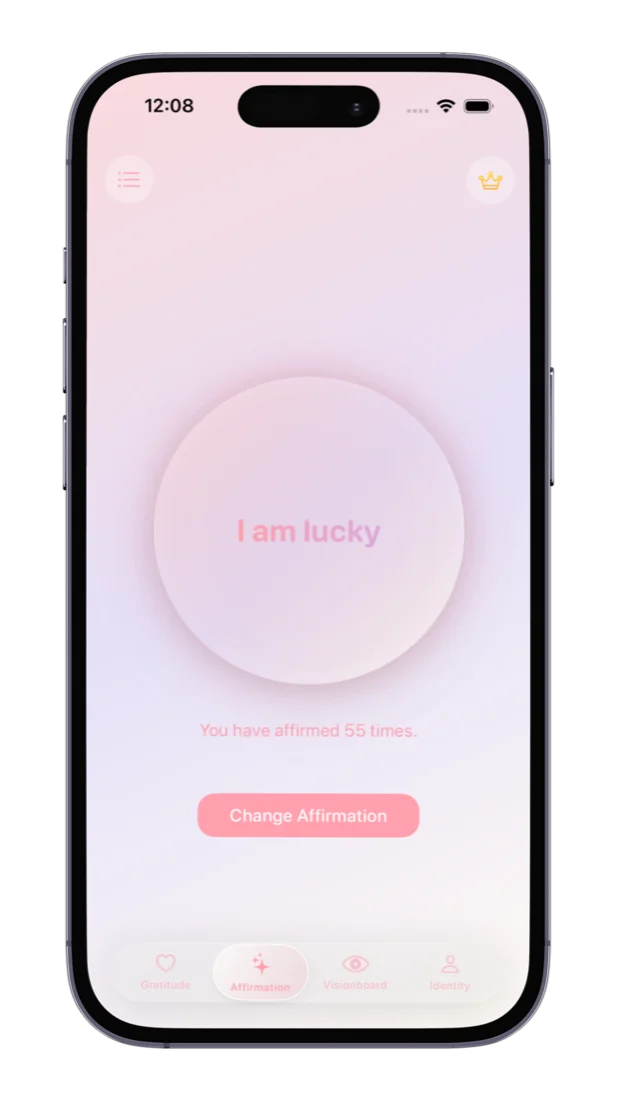
Upload the board you already made — in Canva, on Pinterest, or photographed off your wall — and it lives in your pocket from then on.
That is what an iPhone is uniquely good for. A board on a wall gets seen when you are in that room. A board on your phone gets seen in the queue, on the bus, and in the thirty seconds before you walk into something that matters.
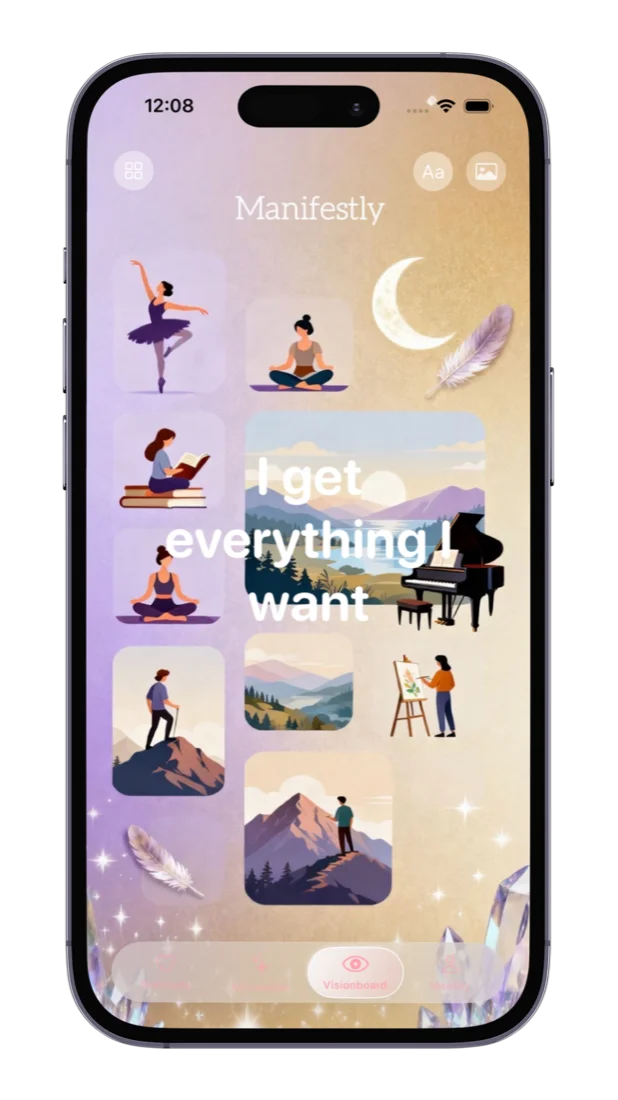
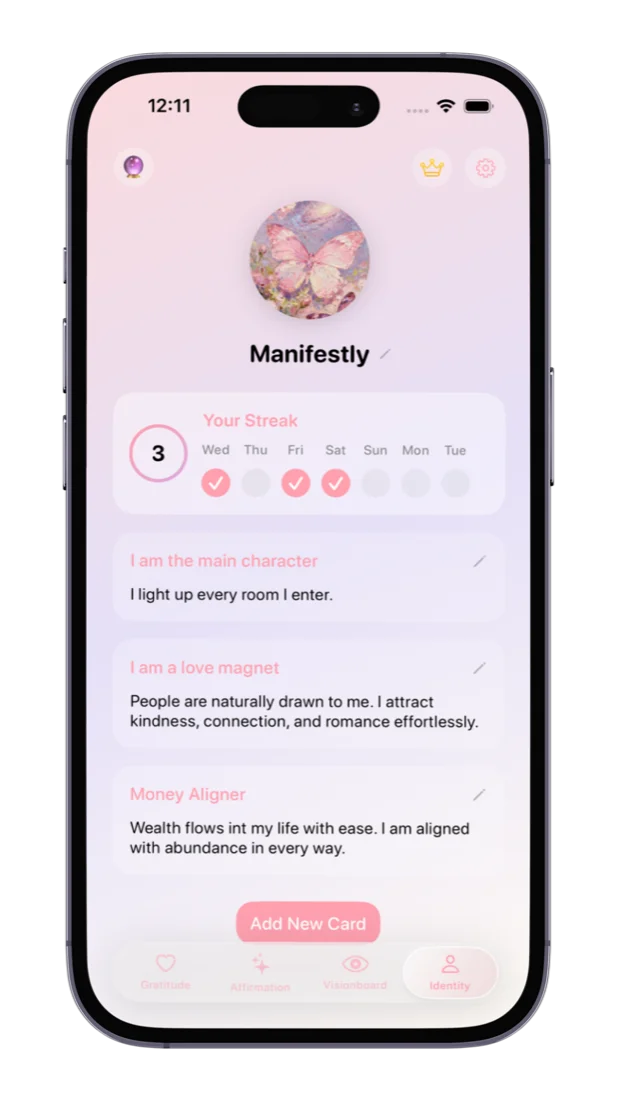
An identity card is you deciding who you are, in your own words — a title like “I am the main character”, and a line underneath saying what that means on an ordinary day.
On an iPhone you can read one at the moment it actually counts: in the lift, outside the door, in the car before you go in. The Identity screen also keeps your streak, so the week is visible at a glance.
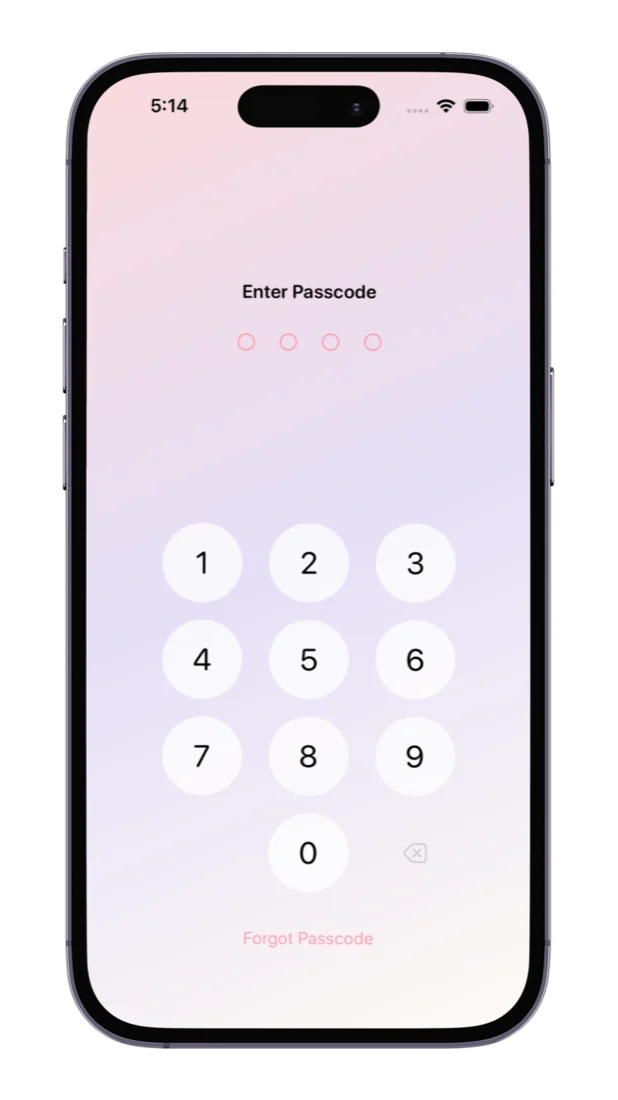
What you write in a manifestation app is more personal than almost anything else on your phone — the things you want, the person you are trying to become, the mornings that did not go well. Manifestly puts a lock in front of all of it.
On iPhone that means Face ID on any device that supports it, or Touch ID on the models with a Home button. Underneath either one there is always a four-digit passcode, so you are never locked out of your own journal if biometrics fail with wet hands or a face mask.
Four moments that already exist in your day. None of them needs you to find time — they need about sixty seconds each.
Tap your affirmation before you open email. One line, one tap, and the count goes up. It is the smallest possible way to start the day pointed somewhere on purpose.
Waiting for coffee. Sitting in the car before you go in. Long enough to remember what all of this is actually for — and it happens five times a day if you let it.
Not to psych yourself up. Just to walk into the room as the person you have decided you are, rather than whoever the nerves are suggesting.
Typed, or said out loud while your phone goes on charge. Add the photo if a picture says it faster. That is a complete entry, and it is the one people keep.
None of it is impressive on its own. That is the point — a practice this small is one you are still doing in March.
Yes. Manifestly is a free download on the App Store with no ads on any plan. The free plan covers 7 gratitude notes, 5 saved affirmations, 5 vision boards and 3 identity cards, plus the full affirmation library. Premium removes the limits and adds iCloud sync.
iOS 17 or later. The download is universal, so the same app covers your iPad at no extra cost.
Yes. Everything lives on your iPhone, so the journal, affirmations, vision board and identity cards all work on a plane, on a trail, or with airplane mode on deliberately.
A minute or two. Tap an affirmation in the morning, glance at your board during the day, and write three lines at night — and any one of those on its own still counts.
Yes. Entries are stored on the device rather than on our servers — we run none — and you can lock the app behind Face ID, Touch ID or a four-digit passcode.
With iCloud sync turned on, yes. It syncs inside your own iCloud account, so we never see the content.
Free on the App Store. Three grateful lines is a complete first day, and the rest follows from there.